First Amazon Accessory Order File
Record the SKU check, the barcode your Amazon account requires, and a hold or release before a first accessory order is labeled.
Buyer type: Readers preparing an Amazon accessory order
Category: Phone accessories
Services used: Not applicable: editorial worksheet
Releasing a first Amazon accessory order before each SKU has a hold or release decision can put a rejected lot on the inbound plan. Record the accessory check, the barcode that offer uses, and the named approver before any label is printed.
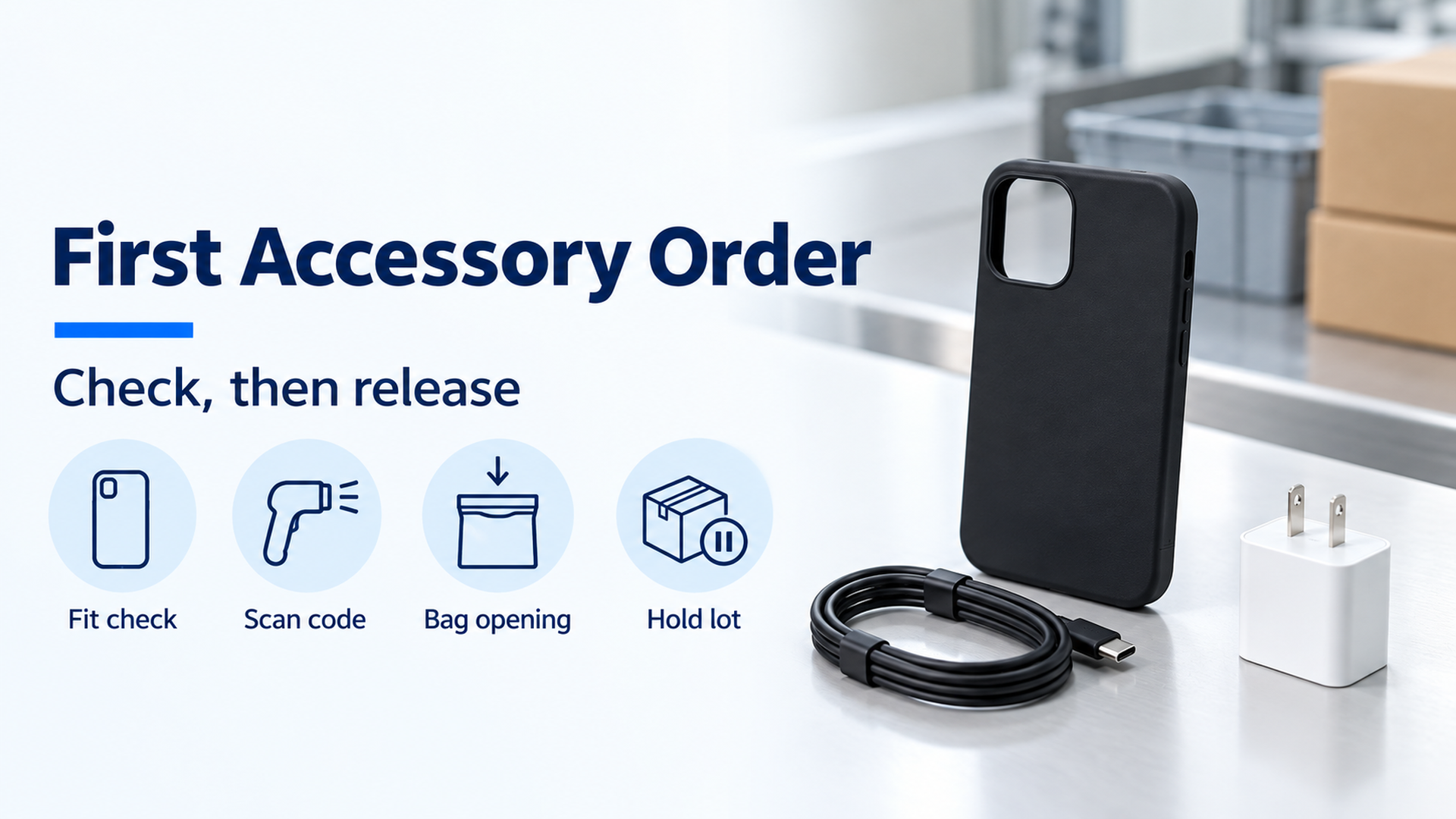
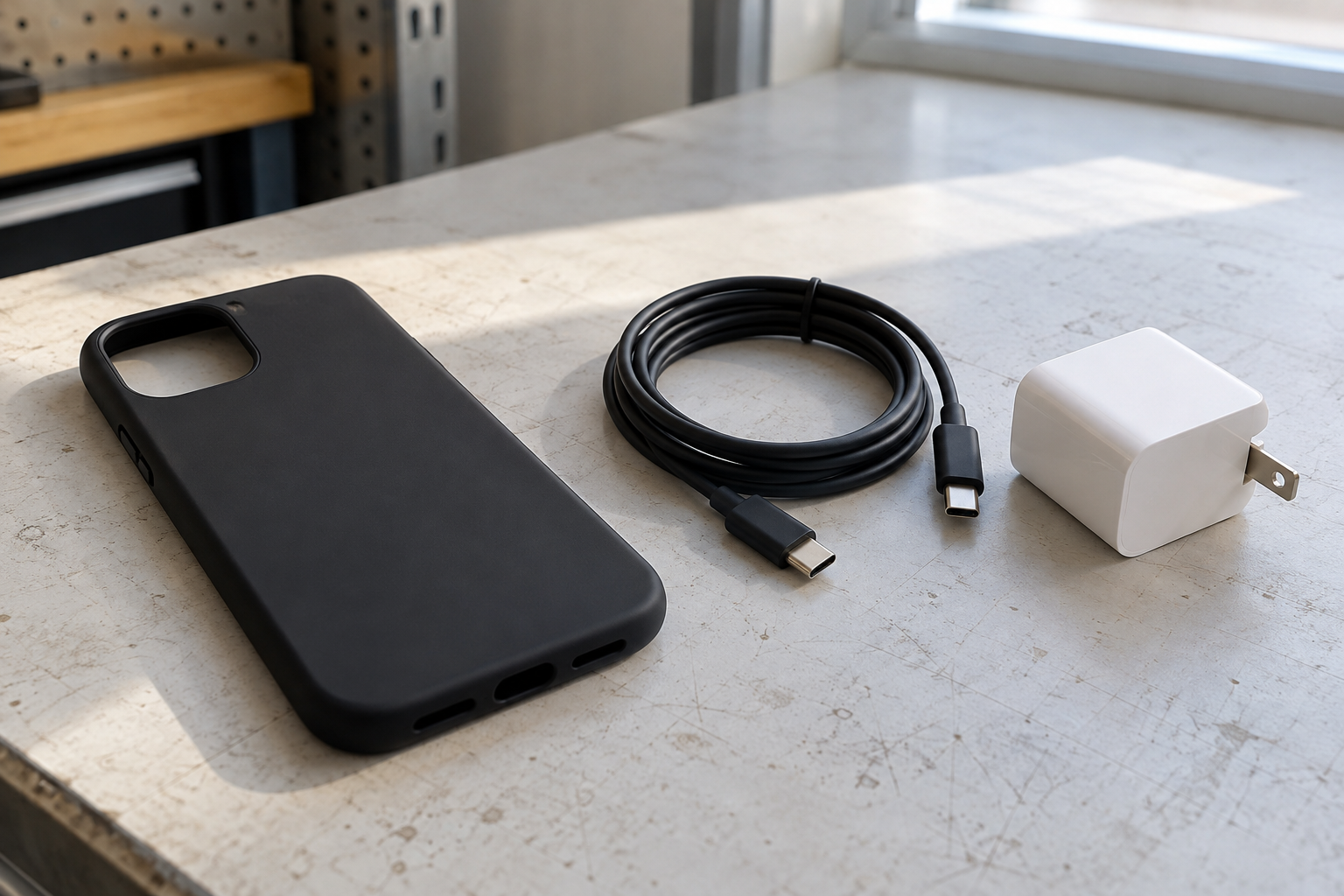
A first Amazon accessory order is ready to label when each SKU row names the check, the barcode setting on that offer, and the person who holds or releases the lot. A phone case is a fit check on the approved device sample. A cable is a connector and function check against the approved spec. A charger is a comparison of the rating printed on the unit with the listing text. Amazon’s July 7, 2026 prep guide uses a manufacturer barcode (UPC, EAN, JAN, or ISBN) unless that offer requires an Amazon barcode. From January 1, 2026, US FBA no longer preps or item-labels those units (Selling Partner API changelog, July 28, 2025). Charger-failure, prep-completion, and inbound-week claims on an earlier version of this page stay withdrawn. Copy the blank row and fill it from your own order.
Scroll horizontally to see all columns →
| Input or item | Value on the public page | Why the file needs it |
|---|---|---|
| Who preps and labels a US FBA unit | Amazon prep and item labeling end for US FBA on January 1, 2026, and AMAZON is no longer an accepted prepOwner or labelOwner (Selling Partner API changelog, July 28, 2025) |
Name the party who labels before the shipment plan exists |
| Default barcode | Manufacturer barcode (UPC, EAN, JAN, or ISBN) unless the account setting changes (Sell on Amazon prep guide, July 7, 2026) | A second scannable code fights the code the account already uses |
| Amazon barcode label | 1 to 2 inches tall, 2 to 3 inches wide, black ink on non-reflective adhesive paper, laser printer at 300 DPI (same guide, July 7, 2026) | Scaling the PDF, or printing on a curve, is a scan failure |
| Poly bag | Transparent, 1 mm thick, sealed; suffocation warning when the opening is larger than 5 inches; bag extends no more than 3 inches past the product (same guide) | A wide bag without the warning is a prep failure |
| Earlier story on this URL | Charger-failure, prep-completion, and inbound-week claims withdrawn | Those lines are not inputs |
What this file records
Copy one row per SKU and lot. Blank cells wait for your purchase order, your Seller Central offer, and the person who approves release. This case-study index holds the same kind of recording sheet for other files. The supplier cell stays blank until you write the name your contract uses. A registry check, when you still need one, sits in how to verify a Chinese supplier.
Scroll horizontally to see all columns →
| Field | What you copy |
|---|---|
| PO, SKU, lot, supplier | From your order. Leave blank if you do not have it. |
| Approved spec version | The sample or drawing the check uses |
| Accessory check | Case: fit on the named device sample. Cable: connector and function. Charger: printed rating against the listing text. |
| Result and evidence ID | Pass, hold, or further checks, plus the photo or report ID |
| Barcode the offer uses | Manufacturer barcode, Amazon barcode, or Transparency, as that offer shows |
| Bag opening | Inches, or “no bag” |
| Decision | Hold / release / further checks |
| Approver and date | The person authorized to accept the lot |
| Released unit count | Separate from the ordered count |
Warehouse arrival and a printed label are records of handling. They are acceptance only after the approver’s row says release.
One failure mode per accessory
The dominant failure mode is the mismatch that sends the wrong unit forward. Prevention is the check you attach to the same SKU row.
Scroll horizontally to see all columns →
| Accessory | Dominant failure mode | Prevention |
|---|---|---|
| Phone case | The case blocks a button or the camera on the approved device sample | Fit that sample and record pass or hold on the same row |
| Cable | A second barcode still scans, or the connector differs from the approved spec | Cover the original code when an Amazon barcode is required, then scan; record the connector the spec names |
| Charger | The rating printed on the unit and the listing text differ | Copy both strings into the row and hold the lot when they differ |
| Any bagged unit | The opening is over 5 inches and the suffocation warning is missing | Measure the opening and apply the warning when it is over 5 inches |
| Any labeled unit | The label is photocopied, damaged, or placed on a curve | Print from the current plan, at 300 DPI, on a flat face |
Rule of thumb: If the bag opening is over 5 inches, apply the suffocation warning before release. The July 7, 2026 prep guide sets that opening threshold, and it also says the bag is transparent, 1 mm thick, sealed, with the barcode readable on the outside, and the bag extends no more than 3 inches past the product.
Print only the barcode the account shows
Amazon’s July 7, 2026 guide names three barcodes. The manufacturer barcode (UPC, EAN, JAN, or ISBN) is the default, and Amazon uses it to track eligible inventory unless you change the setting. When several sellers share that code, Amazon can fulfill from the nearest matching inventory. An Amazon barcode is required when the product is not tracked with a manufacturer barcode, is in used condition, has no scannable manufacturer barcode, is a media product, is a restricted or dangerous good, or is a consumable or topical product. A seller who is not brand-registered applies Amazon barcodes to ineligible products. A Transparency code carries the Transparency mark and must not cover, or be covered by, any other label.
When you print an Amazon barcode, the same guide specifies a label 1 to 2 inches tall and 2 to 3 inches wide, black ink on non-reflective adhesive paper, and a laser printer at 300 DPI. The label shows a scannable barcode, the FNSKU, the product title, and the condition. Place it on a smooth flat face. Keep it off corners, edges, and curves. If the unit has no extra packaging, cover the original UPC, EAN, or ISBN so a scanner cannot read it. If the unit has bubble wrap or a bag, put the label on the outside. Amazon does not accept a damaged or photocopied label.
Read the barcode choice from the offer you are shipping. A label file saved from another SKU is a different product. Carton box IDs and the live shipment plan are the next step, in the China-to-Amazon FBA guide.
Count labels from released units
Print an Amazon barcode only for units the approver has released. Held units stay out of that count until a later row releases them.
Formula: Released labels = ordered units - held units.
Worked example. This arithmetic is an illustration. It is not a purchase order, a factory, or a carton list from this page. Ordered units = 240. Held units = 24. Released labels = 240 - 24 = 216. Print 216 labels for the released lot. The 24 held units wait for their own row.
When the offer stays on the manufacturer barcode, the print count is zero. You still scan every released unit, because a missing or unreadable manufacturer barcode is the same receiving failure as a bad Amazon label.

Price factors when a lot stays behind
A hold changes the quantity that travels, the cartons that travel, and whether you pay for a second handling step and a second label run. Add those lines once a freight quote and a duty figure exist. The landed-cost formula is where quantity, freight, and duty meet, and the landed-cost calculator is the sheet for that arithmetic. This file does not carry a landed-cost total, an Amazon fee, or a defect rate.
The sequence for freezing the spec before the first order is in how to source products from China.
This FBA barcode and bag record does not apply to a merchant-fulfilled order. For FBM, follow the label plan on that offer and still keep the fit, cable, and charger rows.
Method and sources
Updated October 2026. Wholesale Sourced is an independent publisher. This worksheet is a recording method. It is not a customer shipment and not an audit.
Public pages read on October 18, 2026:
- Amazon Selling Partner API changelog, “US FBA prep and labeling services to end January 1, 2026,” JackE_Amazon, July 28, 2025. States the January 1, 2026 end of US FBA prep and item labeling, the included inbound paths, and the removal of
AMAZONasprepOwnerandlabelOwner. - Sell on Amazon, “FBA prep, packaging, and labeling: A beginners guide,” July 7, 2026. States the three barcode types, the Amazon-label size and 300 DPI laser print, placement, the ban on damaged or photocopied labels, and the poly-bag thickness, 5-inch opening, and 3-inch extension.
A 2016 Amazon “How to label products” quick reference was fetched and not used. Its own footer says it expires December 31, 2016. Cached search for this topic had no stored result, so no new search-result set was purchased. No company-registry or customs-credit screen is described here.